Your booking page
The address where your guests book. It's public, nobody has to register, and it's built to be filled in one-handed on a phone.
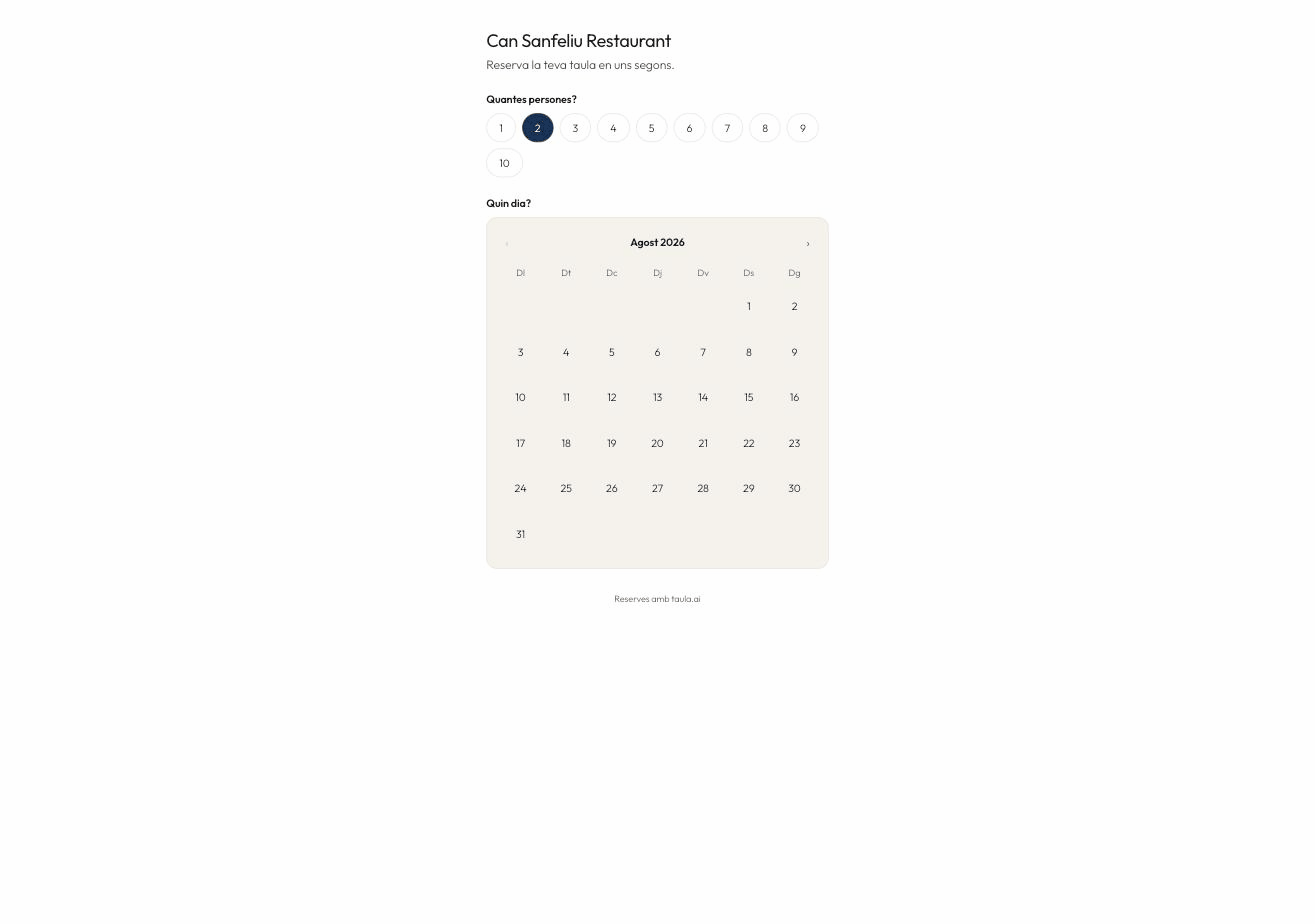
The address
https://taula.ai/r/your-restaurant
You'll find it in Settings. Where it's worth putting:
| Where | Why |
|---|---|
| Google Business Profile | As the booking link. It's where most people come from and needs no approval. |
| In the bio, and in highlights. | |
| Your website | As a button, or with the widget. |
| The table QR | Next to the menu, for the ones who want to come back. |
What the guest sees
- How many people
- Which day — the calendar opens on the first month you can still book
- What time — only times with a genuinely free table
- Name and phone, then confirm
If you've enabled custom questions or area selection, they appear in between.
At the end they get a booking code. With that code they can change or cancel it themselves, without ringing you.
Public details
Settings → Public details is what they'll see: public name, address, phone and time zone. The public name is what appears at the top of the page and in emails.
The time zone matters
Every time is worked out in the restaurant's time zone, not the guest's phone. Someone booking from Paris sees your times, not theirs.